
Reports
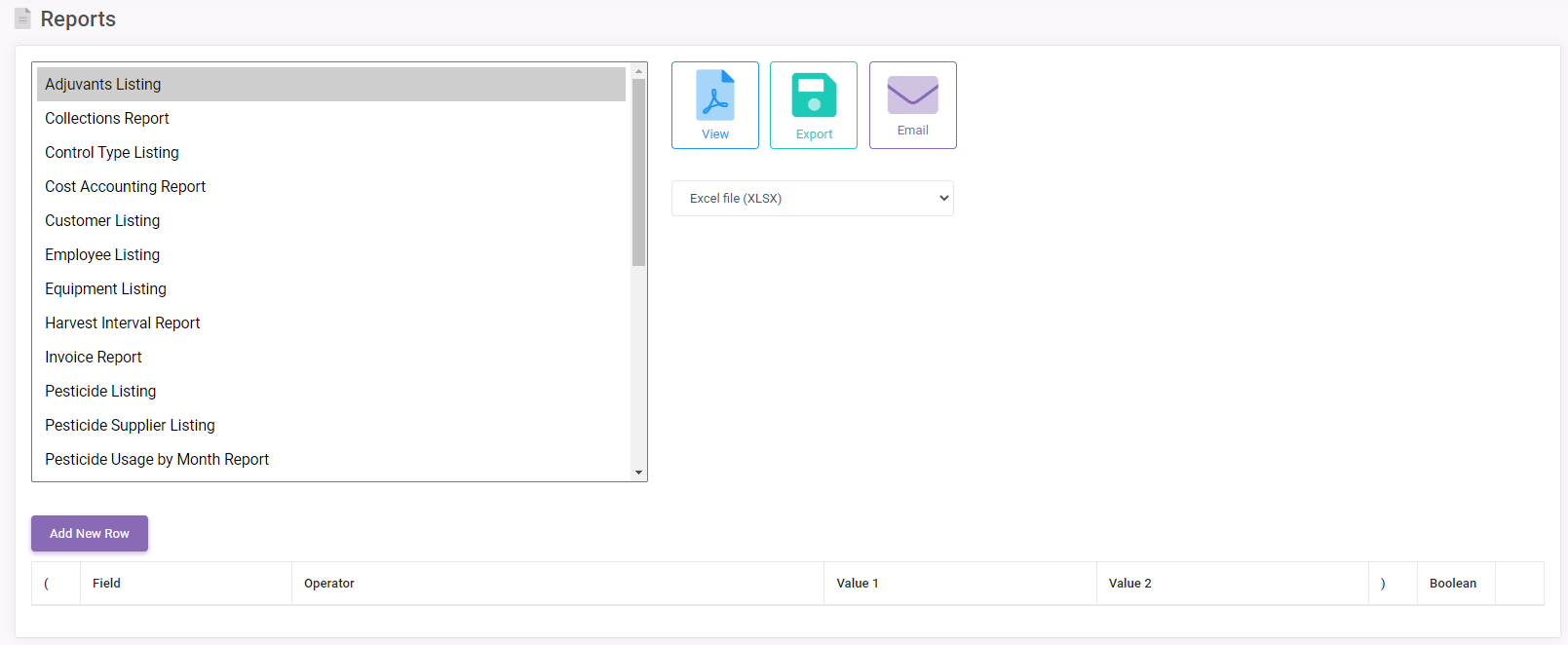 Reports for just about all aspects of sprayMapper® are available to view, export, or email. The Reports screen is illustrated on the right.
The Reports Screen provides a list of all reports available in sprayMapper®. The standard sprayMapper® filter is built into the screen and allows for the use of complex reporting criteria. Selecting  , prints the selected report to the screen.
At the bottom of the screen is the Filter section, you may wish to filter the type of information that will be printed to your report by filling in the fields. Directions on how to use this filter feature, please consult our Filter Screen page.
| View | View a report in pdf format, where you can print the report. |
| Export Report | Saves reports in one of several formats to the directory specified by the user. The drop-down below will determine what form the report will be exported in.
Select the type of report you wish to export as then click on “Export” to complete the export. |
| Email Export Options | Allows the exported report to be emailed to the specified email account. The report will be received as an attachment in the format selected from the Export drop-down. |